Best TikTok Video Editing Tips for Creators and Influencers (2026 Guide)
TikTok has grown into one of the most influential platforms for creators and influencers in the world shaping music, fashion, comedy, education, and even culture itself. With billions of active users and constantly shifting trends, creating eye-catching, engaging, and growth-driving videos requires more than creativity: it requires smart editing. A well-edited video keeps viewers watching, encourages interaction, and signals quality to the TikTok algorithm, all key elements for visibility and growth.
This comprehensive guide breaks down expert-level editing techniques, tools, workflows, and strategic insights you need to level up your TikTok content in 2026 no matter your niche.
Why Editing Matters More Than Ever on TikTok
Whether you’re a lifestyle influencer, educator, fitness creator, or business brand, your success on TikTok hinges on how well you can hold attention. TikTok’s recommendation system is largely driven by performance signals like watch time, completion rate, engagement, and replays. Sharp editing directly influences all of these.
Creators now must consistently deliver content that:
Hooks viewers immediately
Keeps energy high throughout
Communicates clearly (even without sound)
Encourages interaction (likes, comments, shares)
Feels native to TikTok’s platform culture
Good content plus great editing works together to push videos into wider distribution, not just random luck.
1. Nail the Hook: The First 3 Seconds Are Everything
One of the most consistent pieces of TikTok editing advice is this:
Hook viewers instantly
You don’t get a second chance for a first impression. Whether it’s a bold statement, a surprising visual, or a promise of what’s coming later in the video, the opening frames must grab attention and make people care enough to watch on.
This is supported by expert editing guidance that emphasizes strong structure and intentional trimming right from the beginning of the video.
Examples of Effective Hooks:
“Watch till the end to see the transformation”
“You’re doing this wrong here’s how to fix it”
Visual teasers like a clip of the outcome before the process
Strong hooks raise the odds of longer watch time, a core performance signal TikTok rewards.
2. Jump Cuts: Keep Pace Fast and Energy High
Jump cuts are one of the most popular editing techniques among high-engagement TikTok videos because they eliminate dead space and keep momentum flowing. These cuts:
Remove filler words like “um” or awkward pauses
Compress long sequences into tight, dynamic storytelling
Maintain viewer attention by avoiding dull moments
According to creators and editing analysis, rapid shot changes every 1-3 seconds can help sustain viewer retention and engagement.
⚡ Pro Tip: You don’t need high production value, you need sharp pacing.
3. Text Overlays & Captions: Essential Not Optional
Most social videos are watched without sound, especially on TikTok. Text overlays and captions serve multiple purposes:
Improve clarity for silent viewing
Highlight key points or messages
Encourage engagement through prompts or question text
Make your videos more accessible
Text isn’t just aesthetic, it's functional and keeps viewers watching longer. Studies show that videos with clear text overlays retain significantly more viewers than those without.
💡 Best Practice: Use bold, contrasting fonts and time text to match your spoken or visual cues for maximum comprehension.
4. Sync to Trending Audio & Music
Trending sounds aren’t just for fun they can improve visibility. TikTok’s algorithm sometimes associates trending audio with discoverability because users are already engaged with that audio ecosystem.
Editing Tips for Audio:
Sync your clips or transitions to the beat to create flow
Use audio waveforms in editors (like CapCut) to match cuts with music
Pick trending sounds early and integrate them naturally into your edits
This rhythm driven editing makes content feel more professional, polished, and native to the platform.
5. Strategic Transitions & Motion
Transitions help videos feel dynamic and polished, but they must be used with intention, not excess.
Good transitions:
Seamlessly move viewers from scene to scene
Build narrative flow
Highlight changes in topic or tone
Avoid transitions that are too flashy or unrelated to your message they can distract viewers and dilute attention.
Tools like CapCut offer a wide range of transitions that can elevate your content without overdoing effects.
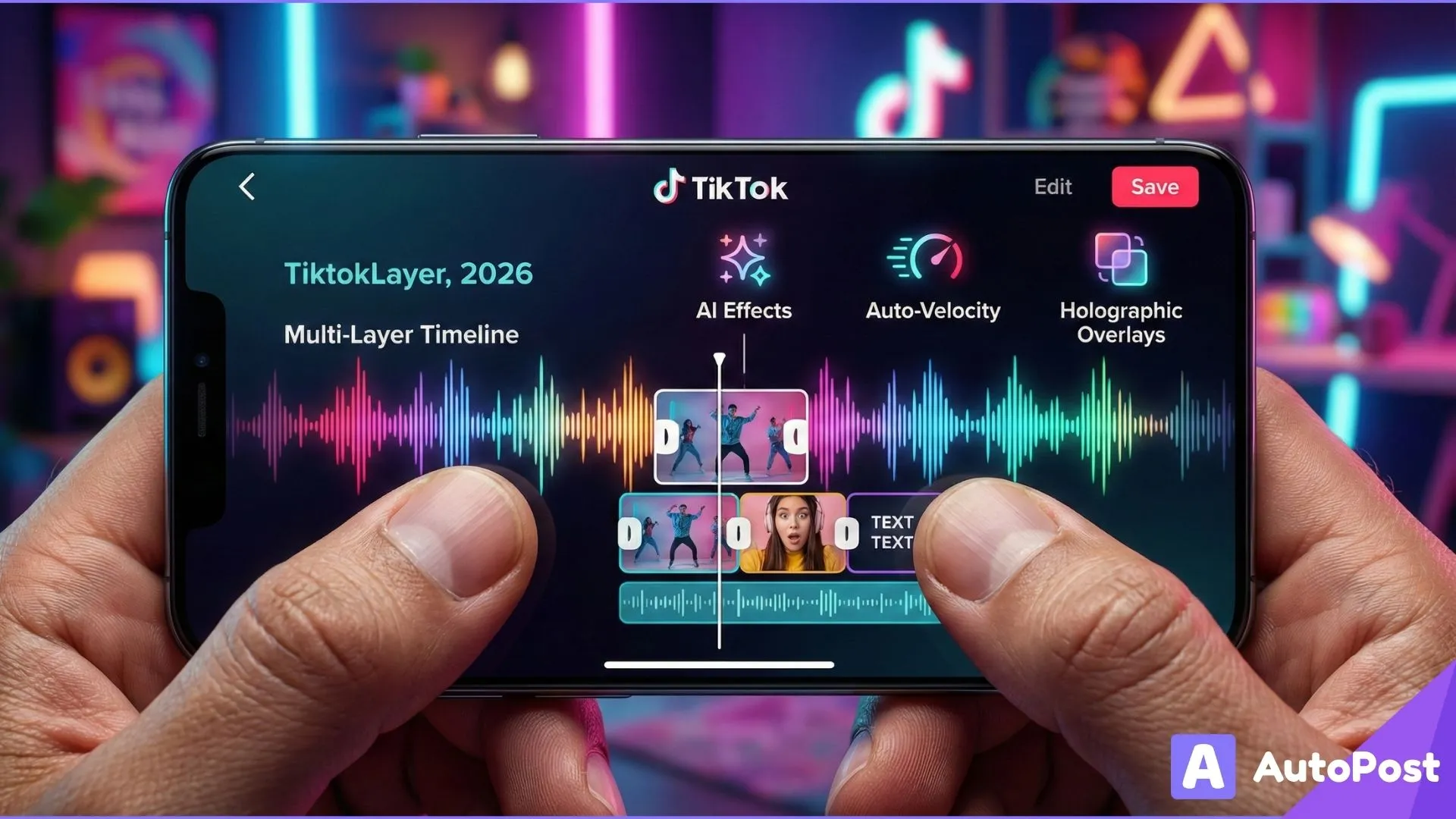
6. Layer Your Videos for Visual Interest
Adding depth to your edits keeps viewers’ eyes engaged.
Layering techniques include:
B-roll footage inserted over main action
Split screens to show multiple angles or comparisons
Masking effects for creative reveals
Overlay text timed with visuals
This approach adds visual variety and helps retain attention throughout the video’s runtime.
7. Embrace Speed Ramps & Slow Motion
Speed manipulation is a subtle yet powerful editing tool:
Speed ramps emphasize key actions (e.g., a quick zoom or dramatic shift)
Slow motion adds impact to reveal or transformation moments
Used sparingly, speed changes guide viewer focus and make your content feel more cinematic.
8. Keep Videos Mobile-Optimized
TikTok is a vertical, mobile-first platform. That means:
Always shoot and edit in 9:16 vertical format
Keep important visual elements centered
Avoid placing essential text near the edges
This ensures that your content is easy to consume on small screens and avoids awkward cropping or cut-offs.
9. Prioritize Visual Clarity Over Fancy Effects
While filters, effects, and overlays are tempting, overuse can distract viewers from your core message.
Good editing prioritizes:
Clear visuals
Readable text
Consistent style
Simple enhancements that support the narrative
Trendy effects can help, but they should complement your message, not replace it.
10. Cut for Retention (Not Just Length)
Retention of how long someone watches your video is one of the strongest signals TikTok uses to assess quality and push content. While short videos often perform well naturally, editing for retention is about what you cut, not just how long you keep it.
Retention-Focused Editing Techniques:
Remove all weak frames and pauses
Front-load your best visual hook
Vary pacing through cuts and transitions
Preview what’s coming next early in the video
Retention doesn’t just influence immediate view counts it influences long-term distribution.
11. Pattern Interrupts: The Secret to Sustained Engagement
A pattern interrupt is any visual or audio change that resets attention, a flicker, a beat drop, a cut to a new scene, or a surprising text overlay.
Creators who master pattern interrupts preserve viewer interest because the brain perceives novelty frequently and wants to keep watching.
Rule of Thumb: Change something visually every 3-5 seconds to keep engagement high.
12. Multi Angle Editing for Depth and Dimension
If you can film with multiple angles (e.g., wide, close up, reaction), edit them together to create visual movement and energy. This technique makes content feel more professional and visually rich even without expensive gear.
Jumping between perspectives keeps eyes engaged and prevents viewer fatigue.
13. Smart Use of Captions and Calls to Action (CTAs)
Captions should logistically:
Clarify your message
Reinforce keywords
Encourage interaction
Surveyed creators often use text overlays like “Follow for part 2” or “Comment below” to explicitly invite engagement and this often increases comment rates and interaction.
Think of CTAs as editing cues that guide viewer behavior.
14. Tools & Tech That Make Editing Easier in 2026
While many facets of editing are conceptual, the tools you use can accelerate workflows:
CapCut A favorite free editor with:
Keyframe control
Masking tools
Speed r ramping
Text animation
B-roll layering
Auto captioning
AI Editing Tools Emerging technology now trims long videos into optimized TikTok chunks, auto-generates captions, and helps with hooks and structure.
Adobe Premiere Rush For more detailed timeline editing and color correction.
These tools help creators push production quality without requiring professional editing skills.
15. Adaptive Editing: Repurpose Long Form Content for TikTok
One advanced strategy in 2026 is turning long-form content (e.g., podcasts, YouTube videos) into multiple TikTok-ready shorts.
Tools like Opus Clip help creators auto generate multiple short videos from long footage adding captions, cut points, and trending audio.
This multiplies your reach and creates a pipeline of content without extra shooting time.
16. Editing Workflow for Consistent Output
Creating great edits shouldn’t be random, it should be systematic.
Batch Editing Workflow Example:
Record multiple clips in one session
Import into your editor
Apply foundational edits (trim, jump cuts, text)
Add audio and effects
Export and queue for publishing
Batch editing saves time and encourages consistency which TikTok’s algorithm rewards.
17. Common Editing Mistakes That Kill Engagement
Even solid content can flop if editing misses the mark.
Avoid:
❌ Long intros or preambles
❌ Static shots with no motion
❌ Text that’s too small or unreadable
❌ Audio mismatches or sudden volume jumps
❌ Overuse of unrelated filters and effects
Small misses early in editing can dramatically lower retention and TikTok notices.
Final Thoughts: Editing Is a Growth Engine, Not an Afterthought
Great creative ideas are important but great editing turns ideas into viral growth. The most successful TikTok creators in 2026 combine:
Clear structure
Intentional pacing
Engaging hooks
Strategic use of audio & text
Smart tools and workflows
Remember: editing affects watch time, engagement, and retention of the very signals TikTok uses to decide whether to spread your video wide.
If you want to focus more on creative editing and less on posting logistics, tools like AutoPost help you schedule, optimize captions, and maintain consistency across your edits so every great video gets published at the right time and continues to grow.
Editing isn’t just making videos look good it’s engineering audience attention