
Facebook Cover Photo Design Tips For Creators And Brands in 2026
Your Facebook cover photo is one of the first visual elements people see when they visit your profile, Page, or business presence and in 2026 it still matters for brand perception, engagement, and clarity of message. But simply uploading an image isnt enough. The right Facebook cover photo size, design strategy, and placement can make a measurable difference in how users engage with your Page.
This guide explains everything you need to know about Facebook cover photo size and best practices in 2026, including sizing guidelines, content ideas that work, optimization tips, and examples you can adapt for your brand or creative presence.
Why Facebook Cover Photo Size Matters in 2026
Before we talk about what size your cover photo should be, its important to understand why it matters:
First Impressions Count
Your cover image is a powerful branding real estate the first visual visitors see when they arrive on your Page.
Improves Engagement
A strong, relevant cover photo can increase:
Page follows
Profile engagement
Click-throughs to your website
Interaction with posts
Search and Social Signals
Facebooks algorithm favors profiles and Pages that appear professional and complete and that often starts with a well-designed cover.
Cross-Platform Consistency
Your Facebook cover photo often gets mirrored on Instagram or linked in other network profiles, making consistent identity across platforms vital.
Long Tail Keywords Integrated in This Guide
To align with what users actually search for and improve SEO performance, this article targets the following phrases:
best Facebook cover photo size and optimization tips for engagement in 2026
how to design a Facebook cover photo that increases visibility and conversions
step-by-step guide to Facebook cover photo dimensions and layout best practices
Facebook cover photo design tips for creators and brands in 2026
data-backed Facebook cover photo size and placement recommendations for businesses
These keywords reflect high-intent search queries people looking for practical, usable information rather than brief summaries.
Facebook Cover Photo Size: Updated Guidelines for 2026
While Facebook often updates its layout and UI, the following recommended sizes help ensure your cover image displays clearly across devices in 2026.
Recommended Dimensions
Location | Best Cover Photo Size | Aspect Ratio |
Personal Profile Cover | 820 x 312 pixels | 820:312 |
Facebook Page Cover | 820 x 360 pixels | 820:360 |
Group Cover Photo | 1640 x 856 pixels | 1640:856 |
Event Cover Photo | 1200 x 628 pixels | 1200:628 |
These sizes help ensure:
your image isnt stretched
important elements arent cropped on desktop or mobile
your visual composition remains cohesive
Tip: Always test your cover photo on mobile and desktop Facebooks interface sometimes crops based on screen size.
Best Practices for Facebook Cover Photo Design (2026)
Having the correct dimensions is just the first step. To maximize engagement and clarity, follow these design best practices.
1. Keep It Simple and Clear
Busy graphics or heavy text can distract visitors. Instead:
focus on a clear central message
avoid cluttered visuals
use large, readable fonts
A simple layout ensures visitors instantly understand your identity and value.
2. Align With Your Brand Identity
Your Facebook cover should reflect your:
brand colors
core message
visual style
tone
Brand consistency between:
cover photo
profile photo
bio text
other social profiles
builds stronger recognition and trust.
3. Position Key Elements Safely
Because Facebook crops cover photos differently on mobile and desktop, be sure:
your logo is centered
important text is within a safe zone
no critical information gets cut off
This prevents important content from being obscured in various layouts.
4. Use Seasonal or Campaign Versions
Many brands update their cover photo to coincide with:
new product launches
seasonal promotions
special campaigns
boundaries of theme weeks
Seasonal covers can boost relevance and engagement.
5. Add a Value-Driven Message
Your cover photo isnt just decoration, it's communication. Consider including:
tagline or mission summary
primary offer or value proposition
community identity cues
Example:
Empowering creators to grow audiences every day
This tells visitors what you do and who you serve.
6. Include Social Proof Strategically
Cover areas can include:
awards or badges
press logos
milestones (e.g., 50K+ subscribers)
client or partner logos
Social proof helps build credibility at first glance.
Facebook Cover Photo Tips for Engagement and Conversions
Here are actionable ways your Facebook cover photo can do more than look good it can drive real engagement:
Add a Call to Action (CTA)
Cover photos that invite an action can increase results when paired with strong text, for example:
Click below to learn more
Join our community
Shop latest updates
Pair with bio or link buttons for maximum effect.
Use Text That Speaks to Audience Intent
Not all visitors know who you are so your cover photo should help clarify:
what you offer
how it benefits them
where they should go next
This improves visitor decision confidence and lowers friction.
Test Visual Hierarchy
Visual hierarchy means arranging elements so the viewer naturally sees:
brand identity
key message
CTA or value promise
Use contrasting text and image placement to emphasize hierarchy.
Leverage A/B Visual Testing
If youre unsure which cover photo resonates more, test variations. Many brands use:
engagement metrics
link clicks
profile follow increases
to see which designs perform better just like testing other conversion elements.
Tools and Resources for Cover Photo Creation
Not a designer? These tools help you create professional images without heavy learning curves:
Canva
easy templates
Drag and drop design
pre-set social sizes
Adobe Express
Pro level filters and assets
intuitive UI for brand consistency
Figma
collaborative design workflows
perfect for team alignment
Use these tools to streamline creation while staying on brand.
Twitter vs Facebook Cover Photo: Whats Different
While this article focuses on Facebook, its helpful to understand how other platforms compare:
Platform | Cover Photo Size | Focus |
820 x 360 pixels | wide images with brand messaging | |
1500 x 500 pixels | eye-catching panoramas | |
1584 x 396 pixels | professional brand visuals | |
YouTube Channel Art | 2560 x 1440 pixels | cross-device alignment |
Each platform has its own context and audience expectations, so tailor visuals accordingly.
Common Facebook Cover Photo Mistakes to Avoid
Some errors harm visual presence and engagement:
Too Much Text
Small, unscannable text gets ignored.
Low-Resolution Images
Pixelation or blurry graphics feel unprofessional.
Misaligned Elements
Logos or CTAs too close to edges can get cut off.
Irrelevant Visuals
Your cover should reflect what your brand does, not just random visuals.
No Testing
Failing to test mobile vs desktop display misses crucial optimization.
Avoid these and your cover photo will look clean and effective.
How AutoPost Can Help Optimize Your Facebook Strategy
Your Facebook cover photo is just one component of your broader social presence strategy. Tools like AutoPost can help:
schedule updates when engagement is highest
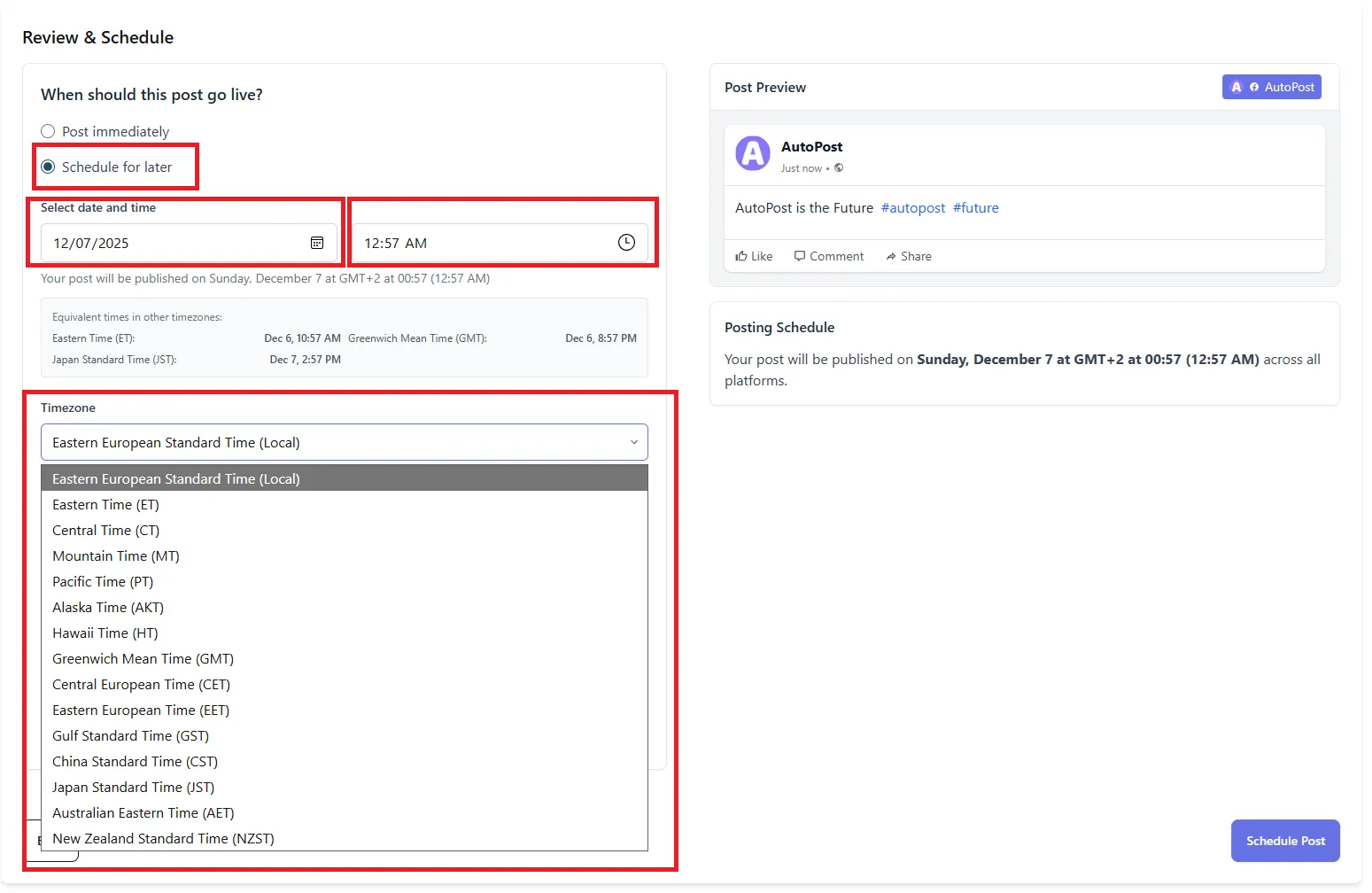
analyze reach and interaction patterns
compare cover photo performance over time
automate posting workflows across platforms
recommend caption and CTA improvements
Instead of manually managing every element, AutoPost uses performance data to optimize your social assets including visual elements like cover photos.
Future of Facebook Cover Photos in 2026
As social platforms evolve:
dynamic animated covers could gain traction
localized cover variations may become popular
AI generated visuals might personalize imagery
Real time storytelling elements could be integrated
Staying ahead means not just sizing your cover photo correctly but thinking strategically about how it supports growth.
Final Thoughts: Facebook Cover Photo Size Isnt Just a Metric Its a Strategic Asset
Getting the best Facebook cover photo size and optimization strategy right isnt simply about posting an image. In 2026, its about:
matching design with audience intent
structuring visuals for clarity and action
aligning imagery with brand messaging and objectives
testing and improving engagement metrics over time
When combined with broader social strategies including posting cadence, content quality, and community engagement a well-optimized Facebook cover photo can help amplify reach, credibility, and conversions.