How to Use Instagram Edits for Higher Engagement and Reach (2026 Guide)
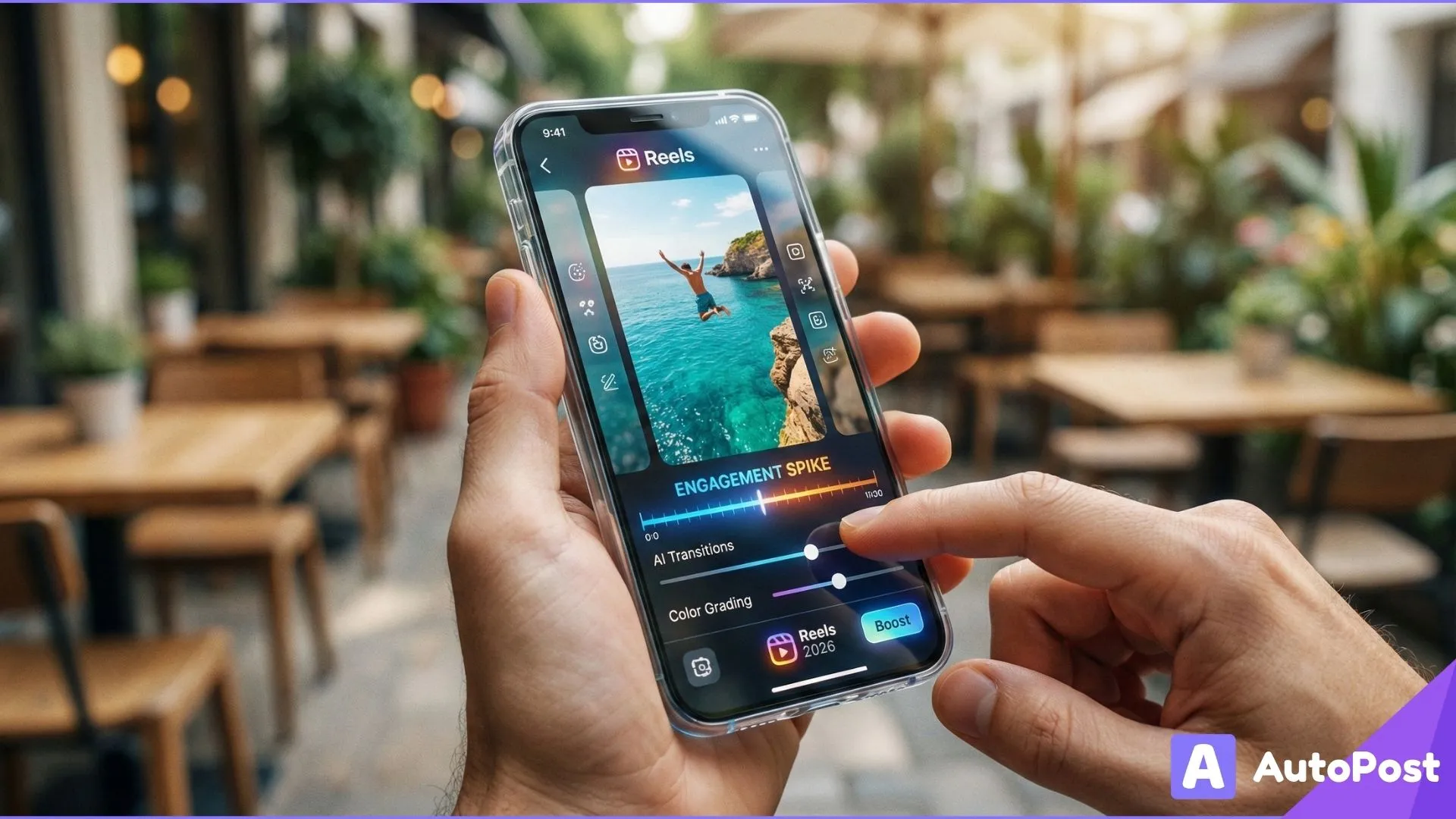
In 2025, Instagram launched a brand new video editing app called Edits, a standalone tool designed to help creators produce high‑quality short‑form video content directly on mobile, without watermarks or complex workflows.
Originally created to rival popular apps like CapCut, Edits brings powerful editing features into a single, intuitive interface and in 2026 it’s becoming a core tool for creators who want to produce content that gets noticed, engaged with, and shared.
This guide explains how to use Instagram Edits strategically to boost engagement and reach with practical workflows, features that matter, and tips backed by creator behavior and platform trends.
What Instagram Edits Is (And Why It Matters)
Instagram Edits is a standalone video editing app owned by Meta Platforms, available on iOS and Android.
Instead of relying only on Instagram’s built in editor, Edits gives creators:
A timeline editor with frame accurate trimming and clip placement
Effects, filters, and overlays
Text, stickers, and audio editing
Green screen and cutout tools
Export in high‑quality (up to 4K) with no watermark
Direct sharing to Instagram and Facebook once your video is finished
These features make it easier than ever to create professional looking content quickly, and because video especially Reels dominate engagement on Instagram, this tool can directly contribute to visibility.
Important Platform Note
Right now, videos created with Edits may receive a temporary reach boost when shared to Instagram as part of Meta’s efforts to promote the new app. However, this boost is not guaranteed forever and should not be the sole reason you use the tool.
Step By Step: Using Instagram Edits for More Engagement
Here’s how to use the Edits app to create content that resonates and increases interaction:
1. Download and Sign In
Download Instagram Edits from the App Store or Google Play and sign in with your Instagram account.
This connects Edits directly to your profile, so you can export videos smoothly without having to upload manually later.
2. Start a New Project
You can either:
Record directly in the app, or
Upload clips you shot earlier handy if you batch record content for the week.
⚡ Pro Tip: Begin by uploading all raw footage from your camera roll or shooting directly in Edits mixing both workflows is often faster than editing on the native Instagram editor.
3. Master the Timeline
The timeline editor is one of Edits’ biggest advantages over Instagram’s internal editor. You can:
Split and trim clips precisely
Reorder sequences
Adjust speed, volume, and transitions
Zoom in and out for accuracy
This level of control means cleaner cuts and smoother pacing essential for keeping viewers watching longer, which is a key engagement signal on Instagram Reels. Longer watch time often leads to higher reach and recommendations by the algorithm.
4. Add Audio and Sound FX
Music and audio matter. Edits lets you:
Add trending audio clips
Use saved Instagram audio or music directly from your device
Apply voice‑overs or sound effects
Enhance dialogue with voice FX options
Including high‑quality audio increases engagement because:
Viewers are more likely to watch to the end
Trending sounds can connect your video to broader content clusters
Shared audio profiles give your content more places to be discovered
📌 Tip: Always keep audio volume balanced so dialogue or key sounds aren’t lost. Viewers often drop videos with poor sound mixes.
5. Use Text, Captions, and Overlays
Text elements and overlays aren’t just decoration they improve accessibility, clarify messaging, and retain attention.
Edits lets you:
Add automatic or custom captions
Apply text effects and motion
Insert stickers and GIFs
Use cutout overlays for style
Captions are particularly powerful for engagement:
They help people follow along without sound
They can boost watch time a key ranking factor
They make content accessible and shareable
6. Apply Effects and Transitions Strategically
Edits continues to receive new creative tools like:
More transition effects
Frame tracking precision
Volume and audio batching tools
Keyframe editing coming soon
These tools help you create:
Attention grabbing opening moments
Polished motion between scenes
Seamless cuts that retain viewer interest
⚡ Pro Tip: Subtle transitions often keep the viewer focused longer compared to jarring effects.
7. Export in High Quality
After editing, Edits exports video:
Watermark‑free
Up to 4K resolution
Ready for upload to Instagram Reels, Feed, Stories, or even TikTok
High video quality matters: Instagram’s algorithm rewards content that keeps viewers watching. Crisper visuals and smooth edits can boost completion rates and a strong engagement signal.
Strategic Ways to Use Edits to Maximize Engagement
Knowing how to use the app is just the first step; here's how to deploy it strategically for higher reach and interaction.
1. Create Hook‑Heavy Intros
The first 2-3 seconds of a Reel determine whether someone keeps watching. Use Edits features to:
Add bold text teasers
Start with a compelling question
Use a short sound drop or beat punch
Videos with strong hooks get:
Longer watch time
Higher completion rates
Better placement in Explore and Reels feeds
2. Leverage Trendy Audio + Visual Sync
Reels that sync motion with trending sounds often see higher engagement. Edits lets you precisely align visuals to audio, so:
Cuts happen on beat drops
Captions change in rhythm
Transitions hit at key moments
This kind of audio visual harmony keeps viewers watching and encourages sharing.
3. Use Captions to Encourage Interaction
Editing in custom captions and text prompts invites action:
“Comment your favorite…”
“Tag a friend who needs to see this”
“Follow for part 2!”
Encouraging interaction boosts engagement and signals to Instagram that your content is valuable.
4. Make Story‑Driven Reels
Edits support text and voiceover features that make your video feel narrative driven, not just random clips. Story arcs keep users engaged longer and often prompt:
Comments
Saves
Shares
Each of these is a powerful engagement signal that leads to better reach.
5. Experiment With Green Screen & Cutouts
This creative technique visually separates your subject from backgrounds, adding cinematic polish and professionalism without expensive tools. It’s particularly useful for:
Tutorials
Product explainers
Reaction videos
Common Myths About Using Edits for Reach
There’s a lot of misinformation floating around about Edits here’s what you need to know:
❌ Myth: Your reel must be edited with Edits to get views
Not true. You can still get rich without using Edits. However, Instagram temporarily gave content made with Edits a slight reach boost while promoting the app.
❌ Myth: Using Edits automatically guarantees higher engagement
False. Engagement still depends on content relevance, quality, and audience fit; the tool only gives you better creative control.
❌ Myth: Only Edits can edit reels well
Not true. Third party apps like CapCut or desktop editors can still produce fantastic content. Edits are convenient and integrated, but it’s one part of a broader creative toolkit.
How Edits Fits Into Your Bigger IG Strategy
Using Edits should be part of a wider Instagram content plan not an isolated trick.
🔁 Combine With Publishing Best Practices
Post consistently at optimal times, use relevant hashtags, and cross promote your Reels in Stories and Feed.
📊 Track Performance Over Time
Use Instagram Insights to see which videos perform best and why. Then refine your style and storytelling approach.
🤝 Mix With Engagement Tactics
Replying to comments, sharing drafts with your audience, and using interactive stickers in Stories all amplify the impact of edited content.
Final Thoughts: Make Better Videos, Not Just More Videos
Instagram Edits gives creators more creative capability than ever before but the core driver of engagement and reach is value. High quality editing helps your content get noticed and stay watched, but it’s what you’re saying that keeps viewers engaged.
Use Edits to tighten pacing
Make content that feels real and compelling
Encourage interaction through text and prompts
These are the things that move the engagement needle and Edits helps you do that more effectively than many native editing options