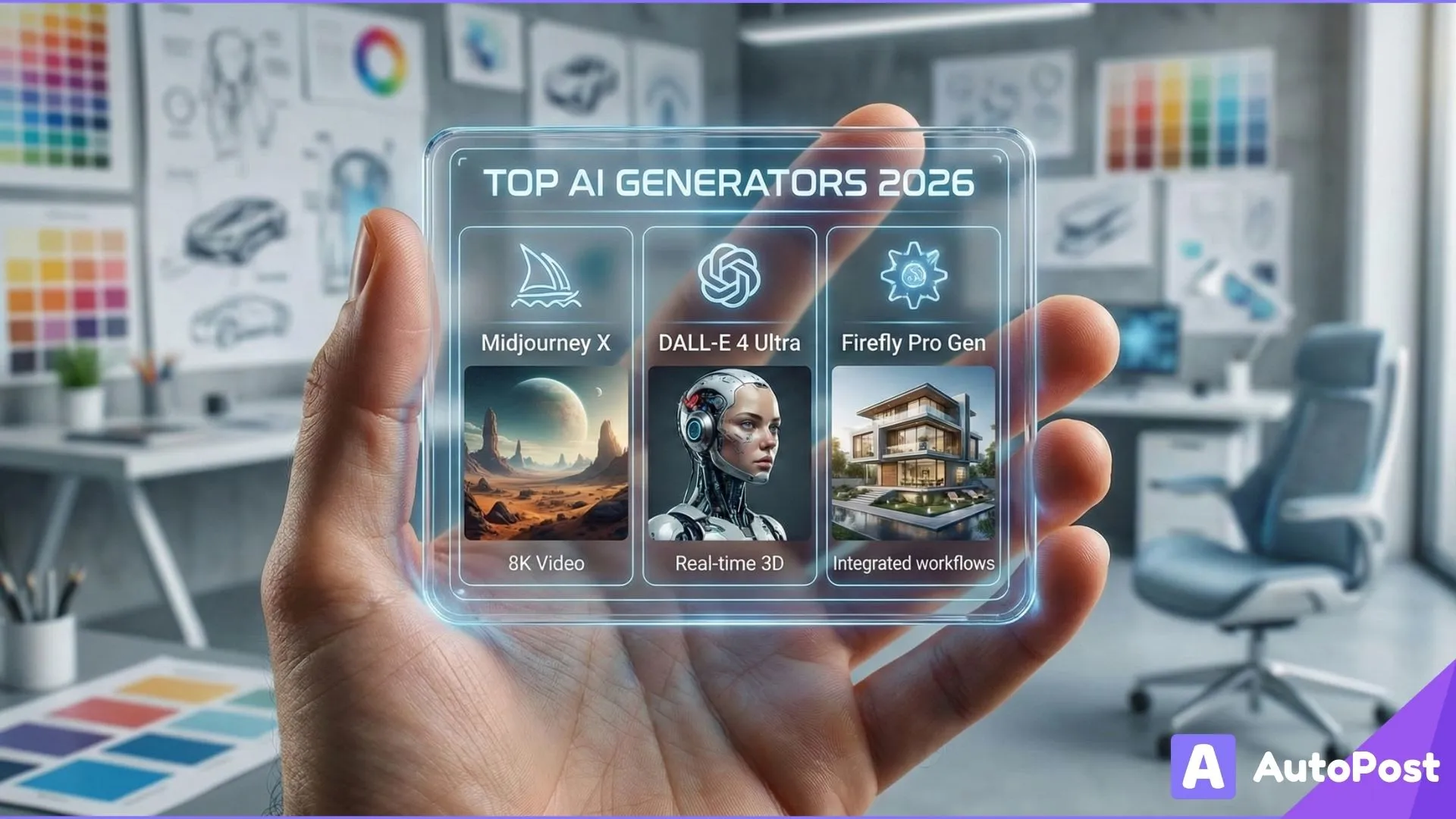
Top AI Image Generators for Content Creators in 2026
AI image generation has rapidly shifted from experimental to essential. For creators, marketers, designers, and brands, the ability to generate high quality visuals instantly from concept art to polished marketing graphics isn’t just convenient, it's transformative. Unlike generic stock images or complex design software, AI image generators let you create visuals from text prompts in seconds, reducing time, cost, and creative friction.
In 2026, the landscape of AI image tools is more diverse and powerful than ever. Some platforms focus on photorealism, others on artistic style, and many integrate directly into creative workflows like social media content, brand assets, product mockups, and video thumbnails.
This guide breaks down the top AI image generators for content creators in 2026, including standout features, pricing, and which tools are best for specific creative tasks.
Why AI Image Generators Matter for Creators in 2026
Before we dive into specific tools, let’s look at why AI generated visuals are so impactful:
⭐ Faster Content Production
AI image generators can produce high quality visuals in seconds, bypassing long design cycles and reducing reliance on professional designers for simple graphics.
⭐ Creative Flexibility
With the right prompts, you can iterate quickly through styles, moods, and compositions until you find the perfect visual.
⭐ Cross‑Platform Use
AI visuals are no longer limited to blogs or portfolios creators use them for social graphics, thumbnails, branding, ads, product concepts, and even dynamic content.
⭐ Lower Cost
Many AI tools offer free tiers or affordable subscriptions, allowing creators to scale without paying expensive designer fees.
What to Look for in an AI Image Generator
When choosing the best tool for your creative workflow, consider:
📌 Image quality and realism Does the tool produce visuals that look authentic and high‑resolution?
📌 Creative control How much control do you have over style, composition, and prompt nuance?
📌 Ease of use: Are prompts intuitive? Is the UI approachable?
📌 Commercial rights: Can you use the images for monetized content and campaigns?
📌 Integration: Does the tool plug into your existing workflow or other apps?
📌 Pricing: Are free or affordable options available?
1. DALL·E 4: Best All‑Around AI Image Generator
Why it’s great: DALL·E (from OpenAI) remains one of the most versatile and powerful AI image tools in 2026. Recent advancements (often referred to as DALL·E 4) deliver unmatched realism, complex prompt handling, and integration with ChatGPT workflows.

Best for:
✨ Photorealistic visuals
✨ Storyboards and marketing assets
✨ High‑detail brand imagery
Key strengths:
Generates highly realistic images across styles
Excellent at interpreting detailed prompts
Great for both professional and casual creators
Pricing: Free tier available; premium plans often start around $15/month for higher quality and more credits.
Who should use it: Creators who need consistent, high‑quality visuals with broad style flexibility.
2. Midjourney V7: Artistic & Stylish Images
Why it’s great: Midjourney continues to be the favorite for creators who want artistic, surreal, or stylized images. The 2026 version (V7) expanded capabilities like AI camera simulation with virtual lenses, cinematic modes, and new style controls.
Best for:
🎨 Creative content
🎥 Concept art
📸 Stylized branding graphics
Key strengths:
Superior artistic consistency
Multiple stylistic presets
Cinematic and creative visuals ideal for brand storytelling
Pricing: Plans often start around $10/month with varying tiers depending on usage.
Who should use it: Creators and designers focused on artistic imagery rather than straightforward photorealism.
3. Adobe Firefly: Integrated Professional Workflows
Why it’s great: As part of the Adobe Creative Cloud ecosystem, Adobe Firefly delivers professional grade image generation seamlessly integrated with tools designers already use like Photoshop and Illustrator.

Best for:
🖌️ Creative professionals
🧠 Integrated brand content
📈 Enterprise marketing assets
Key strengths:
Deep integration with existing Adobe tools
Professional editing and generative fill features
Optimized for brand and commercial use
Pricing: Included with Adobe Creative Cloud subscriptions; Firefly features often available in Photoshop plans.
Who should use it: Brand designers, agencies, and creatives already in the Adobe ecosystem.
4. Leonardo AI: Flexible & Free Friendly
Why it’s great: Leonardo AI stands out as a generous free or low cost alternative that still produces high quality visuals and supports a range of creative workflows.

Best for:
🆓 Free image generation
🧬 Character design
🎮 Gaming visuals
Key strengths:
Free tier with substantial credits
Good balance between quality and control
Ideal for creators experimenting with new ideas
Pricing: Free tier available; paid plans often start around $9‑$29/month.
Who should use it: Budgets conscious creators or teams who want powerful images without high costs.
5. Stable Diffusion: Customization & Open Source Power
Why it’s great: Stable Diffusion is a highly customizable, open source AI model that creators and developers can tailor to their own workflows. It can be run locally or via cloud services, which gives maximum control over styles, output, and integration.

Best for:
💡 Custom image experiments
⚙️ Developer workflows
🎨 Artists building unique models or plugins
Key strengths:
Open‑source flexibility
Control over fine‑tuning and custom models
Strong community of plugins and expansions
Pricing: Free if self‑hosted; cloud options vary.
Who should use it: Creators with technical workflows, developers, and artists who need total control.
6. Canva Magic Studio: Quick Social Graphics
Why it’s great: Canva continues to dominate for quick, easy visual creation and its AI image tools now let you generate compelling graphics directly inside your social templates.

Best for:
📱 Social media posts
📊 Marketing graphics
🧩 Template‑based design
Key strengths:
Integrated into an all‑in‑one design suite
Ideal for non‑designers
Simple, intuitive text‑to‑image prompts
Pricing: Free plan available; Pro plans typically around $15/month for enhanced features.
Who should use it: Creators building visuals quickly for social platforms without needing deep design skills.
7. Grok Imagine: AI with Real Time Trend Awareness
Why it’s great: Powered by xAI’s Grok model, Grok Imagine generates images and even short videos from prompts, often tied into platform trends and real time data ideal for creators who want visuals that feel responsive to cultural moments.
Best for:
🚀 Trend‑aware visuals
📣 Social content tied to real events
🔥 Quick generation workflows
Key strengths:
Runs inside the X ecosystem and standalone applications
Real‑time trend boosting
Photo and video generation
Flexible pricing tiers from free to premium.
Who should use it: Social media creators who want trend‑aligned visuals fast.
8. Additional Creative AI Tools Worth Considering
Beyond the core seven, several other tools deserve attention in 2026:
Ideogram V2: great for text‑rich visuals and infographics.
Nano Banana Pro (Google Gemini): hyper realistic image generation with billions of outputs and enterprise‑grade safety.
PostEverywhere AI : unique in combining generation with built in scheduling for social publishing.
Bing Image Creator : free option powered by proven OpenAI models.
Each of these tools fits into different creator workflows depending on priorities like speed, realism, customization, or trend responsiveness.
How to Choose the Right AI Image Generator for Your Workflow
With so many options, it helps to match tools to specific creative needs:
🧠 For Rapid Social Graphics
Choose tools with simple UIs and templates Canva Magic Studio or PostEverywhere AI.
🎨 For Artistic or Concept Work
Tools like Midjourney V7 and Stable Diffusion excel in creative imagery.
📸 For Professional Brand Assets
Adobe Firefly and DALL·E 4 balance quality with commercial polish.
💡 For Custom or Developer‑Driven Projects
Stable Diffusion and Leonardo AI offer customizable workflows.
Practical Tips for Using AI Image Generators as a Creator
1. Craft Better Prompts
Clear, descriptive prompts with style cues and context produce better results.
2. Use Multiple Tools Together
Generate a base image with one tool, then refine it in another e.g., Midjourney for style + Canva for design.
3. Check Licensing
Always confirm commercial use rights, especially for monetized content.
4. Batch Generation
Produce variations and test them across platforms A/B testing works for visuals too.
Final Thoughts: AI Image Generation Is a Game Changer for 2026
AI image generators have moved from novelty to essential creative infrastructure. Whether you’re a social media creator, brand marketer, designer, or solo entrepreneur, the tools above help you produce stunning visuals faster and more affordably than ever.
From powerful all purpose tools like DALL·E 4 to artistic engines like Midjourney V7, and workflow boosters like Canva Magic Studio, the variety of AI options means you can tailor your creative stack to fit your goals.
Combine these AI tools with scheduling platforms like AutoPost to generate, refine, and publish visuals seamlessly across social media streamlining your entire content production workflow while maximizing engagement.